Insights that explain your month.
Cash flow, balance trend, category trends, a spending calendar and budget pacing.


Offtab for iPhone
Type what you spent, the way you’d text it, and Offtab files it. No account to create, no bank login, and no Offtab server in the way.
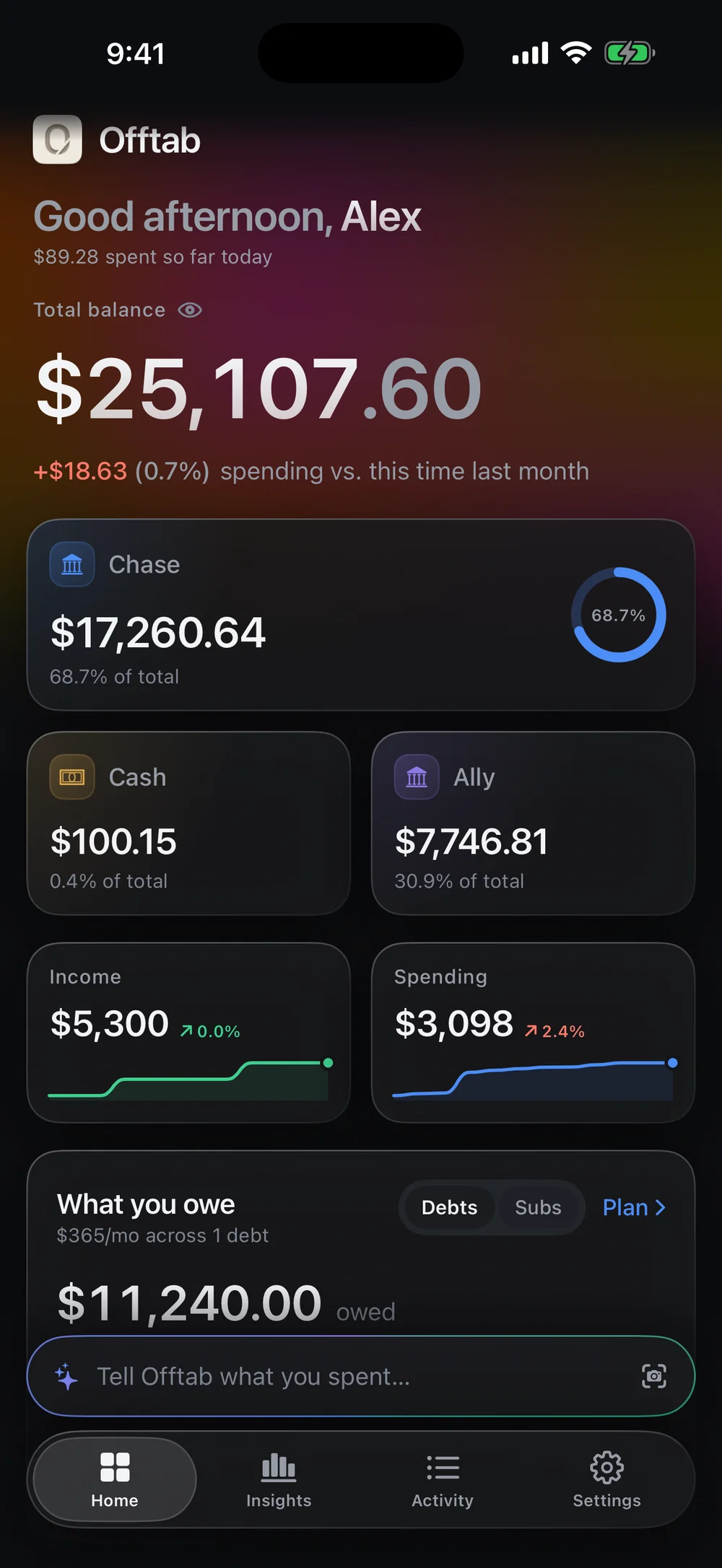
Tell Offtab what you spent in a sentence. It picks out the amount, the category and the account, and shows you the entry to check before it’s saved.
Say it however you like
You type: spent 20 on coffee and 45 on groceries
Logged 2 entries totalling $65.00
Money in, transfers between your own accounts, a payment on a debt, or a new subscription.
no that was 45
or delete that last one
. When a figure could be read two ways, Offtab asks instead of guessing.
how much have I spent on dining this month
gets an answer and logs nothing.
Point the camera or pick a photo, and the text is read on your iPhone.
A calm home screen, honest charts and a ledger you can search — built for the way you actually spend.
Cash flow, balance trend, category trends, a spending calendar and budget pacing.
Your balance over the months, and the categories that moved the most compared with the month before.

See what you owe and what’s due next. Tracked subscriptions are added to your ledger when they fall due.

Every entry, by day, with filters for what came from a sentence, a receipt or a bill. Search merchants, categories and notes.

Offtab was built so there’s nothing to hand over. Your ledger lives on your iPhone, and the only copy Offtab ever sends anywhere is a backup you switch on yourself.
Offtab’s App Store privacy label
Data Not Collected
There’s nowhere for it to go: no account, no Offtab server, no analytics. What you log stays on your iPhone.
No email, no password, no sign-up. Open the app and start logging.
You tell Offtab what you spent. It never connects to your bank or your cards.
There’s no Offtab server for your data to sit on. Your ledger is stored on your iPhone.
No analytics framework, no crash reporter, no advertising identifier. Nobody, including us, sees how you use it.
On iPhones with Apple Intelligence (iOS 26 or later), Offtab reads messier sentences with the language model built into iOS, on the device. Elsewhere it uses its own built-in parser, also on the device. Free on every plan.
Lock Offtab with Face ID. Figures are hidden in the app switcher, and balances can start masked each time you open the app.
Off until you turn it on. When it’s on, Offtab keeps one copy of your ledger in a private area of your own iCloud, encrypted on your iPhone before it’s sent and unreadable to us. Under standard iCloud protection Apple holds the keys; turn on Advanced Data Protection and it’s end-to-end encrypted. Delete it from the backup screen any time.
The details are in the Privacy Policy — the same text the app ships with, word for word.
Light and Dark come free. Plus unlocks the other 4, including true black for OLED screens.
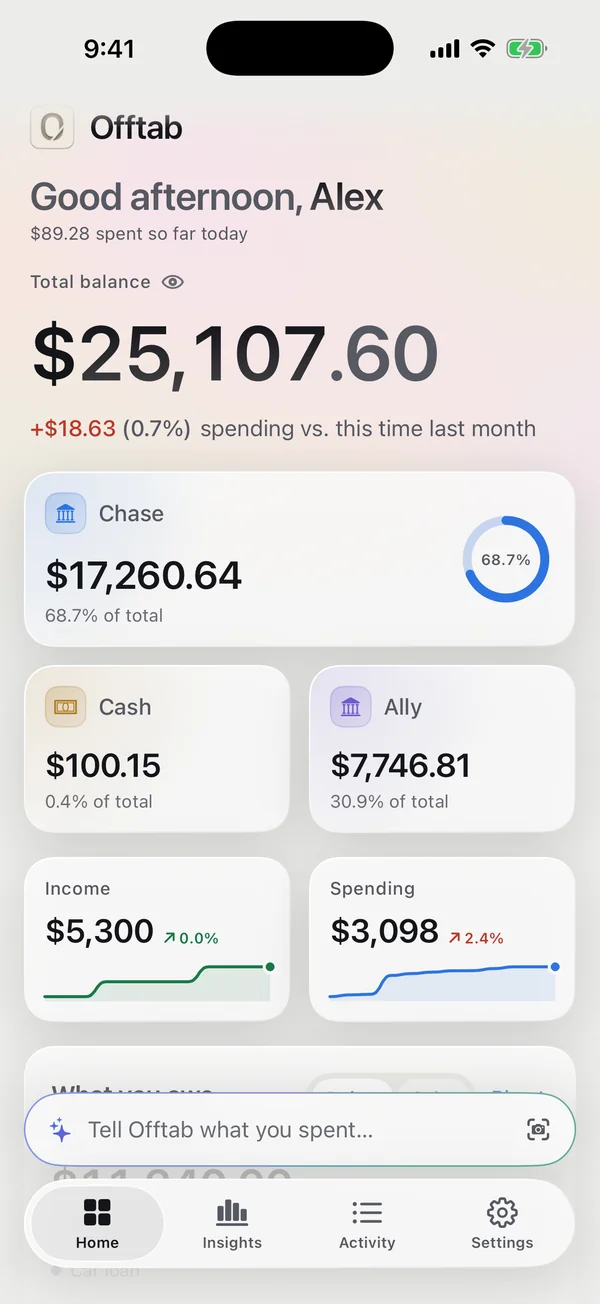
Light
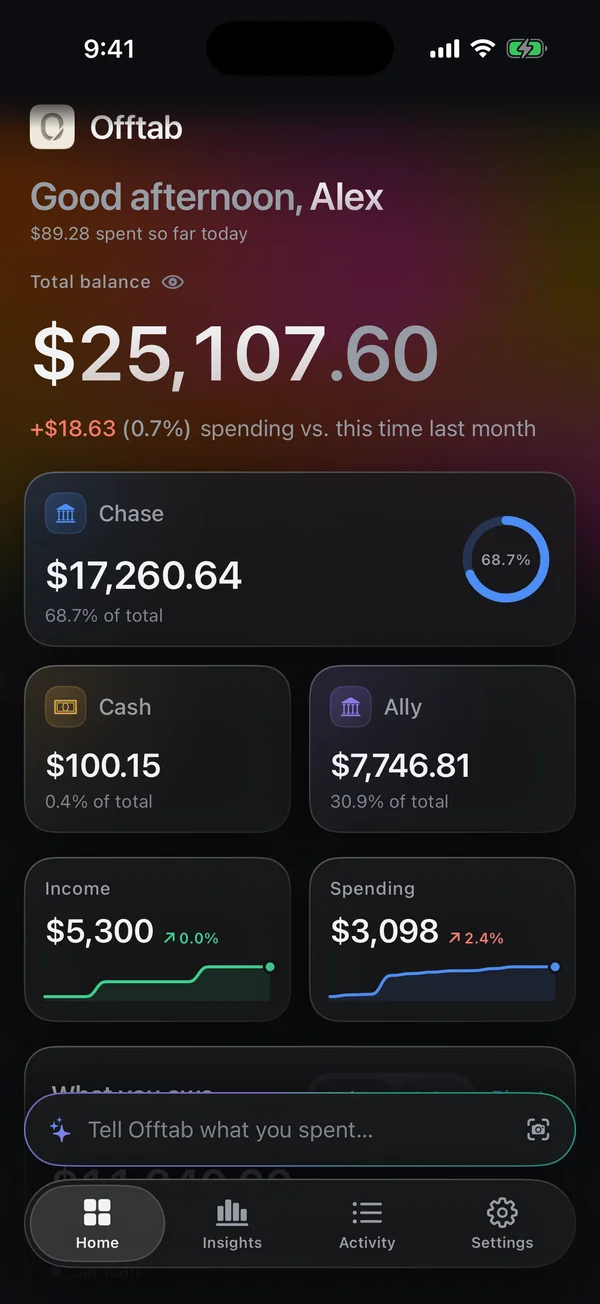
Dark
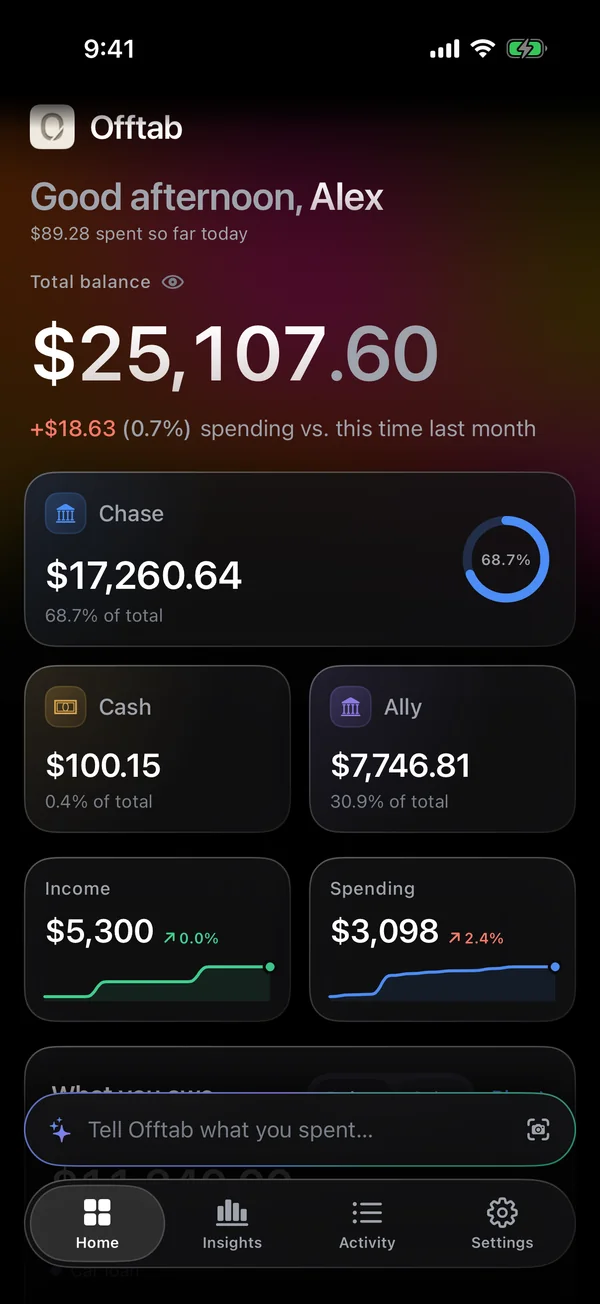
Midnight
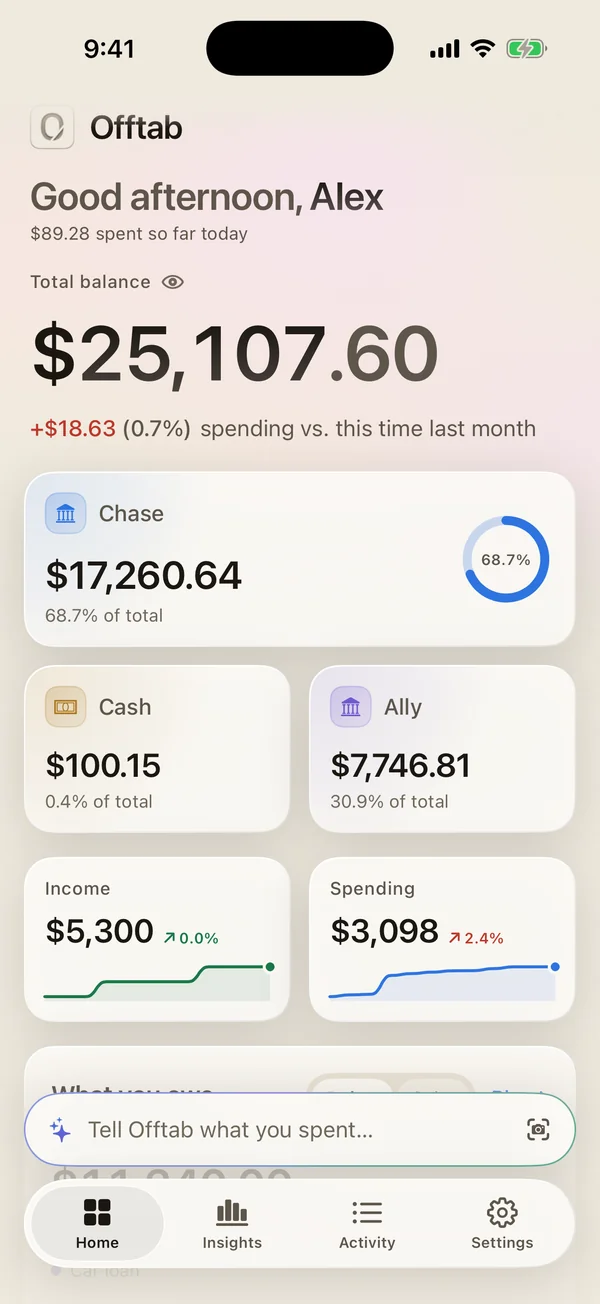
Sand
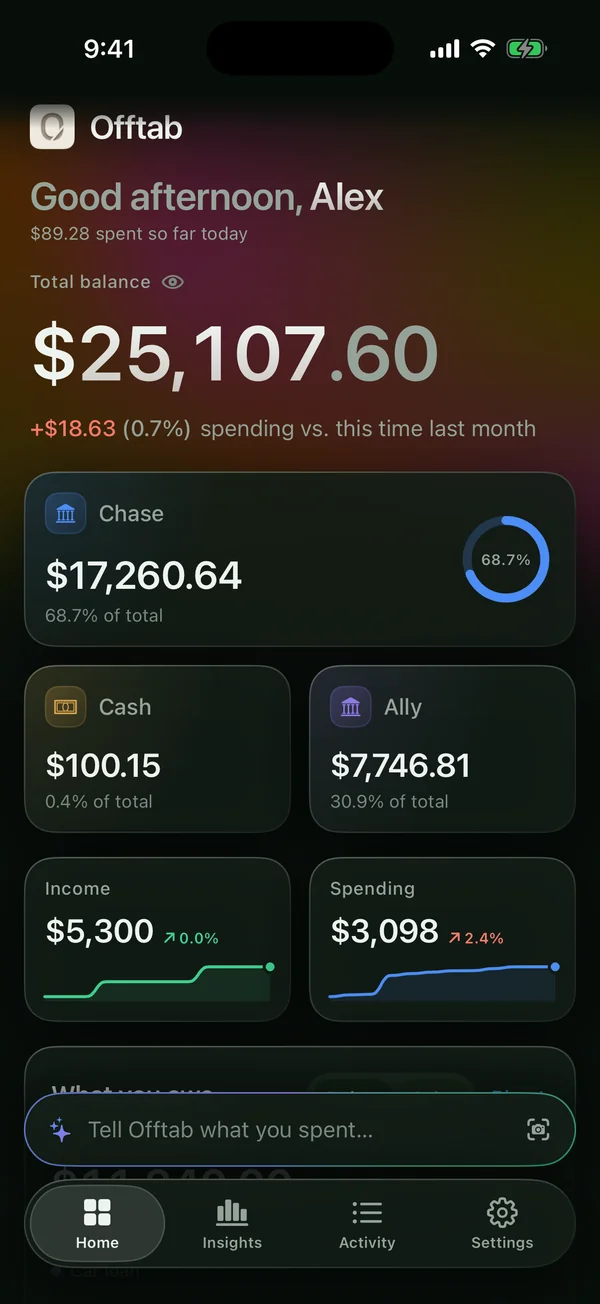
Moss
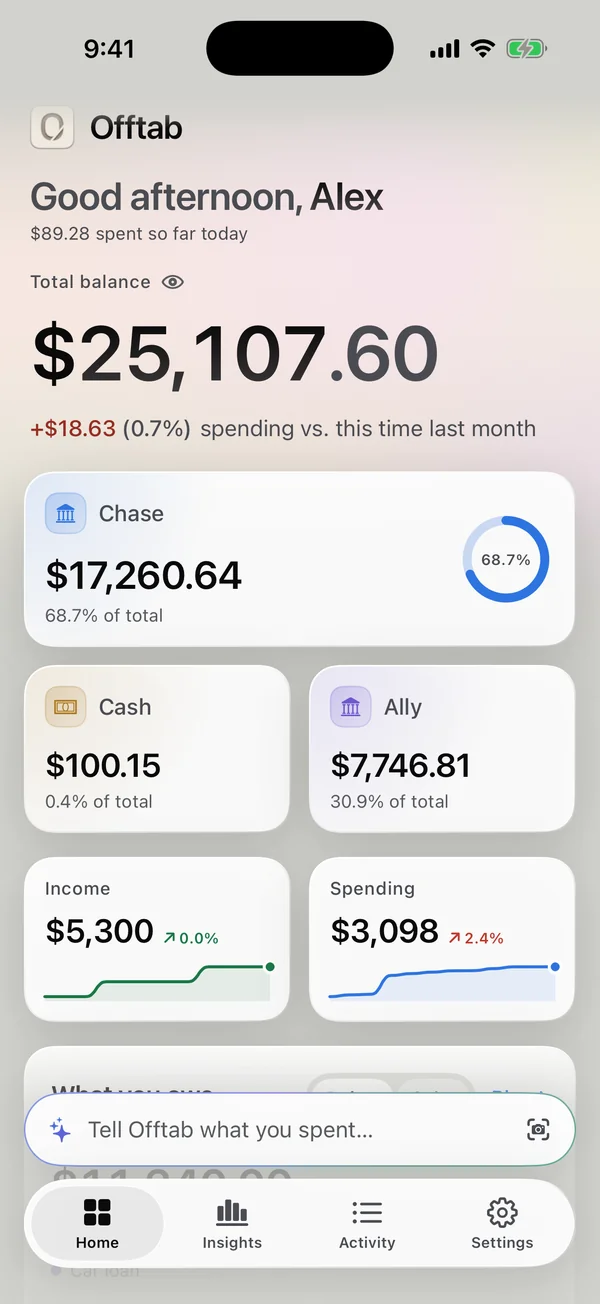
Newsprint
After about a month of logging, Offtab can suggest monthly budgets from what you actually spend. Free on every plan.
Export everything you’ve logged as CSV or JSON. Free and unlimited on every plan, forever.
Works with larger text sizes and Reduce Motion. Made for iPhone.
The core of Offtab is never behind a paywall. Plus takes the ceilings off.
$0forever
Everything you need to keep a ledger, for as long as you like.
Also included: 3 budgets, 1 debt, 3 recurring subscriptions, 10 receipt scans in total, charts and insights for this month and last, and the Light and Dark themes. Every entry stays visible in Activity on every plan.
Every card and a full year of charts. Add all your cards and accounts by typing. No bank login, ever.
Export everything any time, free on every plan. Data Not Collected. Cancel any time in your Apple ID settings.
Prices in US dollars; the app shows your local price before you buy. The free trial is for eligible new subscribers to the annual plan. Payment is charged to your Apple Account at confirmation of purchase, or when a free trial ends. Subscriptions renew automatically unless cancelled at least 24 hours before the end of the current period, and are managed or cancelled in Settings › your name › Subscriptions. Plus is not shared through Family Sharing. See the Terms of Service.
No. There’s no bank login of any kind: you tell Offtab what you spent — by typing a sentence or scanning a receipt — and it files it. Nothing it shows is an authoritative record of your money; your bank’s statement is.
In Offtab’s own storage on your iPhone. There is no Offtab server and no Offtab account. If you switch on iCloud backup, one copy of your ledger also goes to a private area of your own iCloud, encrypted on your iPhone before it’s sent.
Offtab’s smart assistant runs the language model built into iOS itself, entirely on your device. It needs iOS 26 on a device capable of Apple Intelligence, with Apple Intelligence switched on in Settings. If any of those isn’t true, Offtab falls back to its own built-in parser, which still understands plain sentences like “spent 12.40 at mcdonalds” without needing the model at all.
In Settings, open Export your data, choose CSV or JSON, and share or save the file from the share sheet. Exporting is completely free and unlimited on every tier, forever — it’s your data, and getting it back out never costs anything.
Open Offtab on the new phone and go to the Plus paywall (Settings has a link to it). Tap Restore Purchases and Offtab checks the App Store for a Plus purchase tied to your Apple Account, then unlocks it — no account or sign-in of any kind is needed.
Subscriptions are managed by Apple, not by Offtab. On your iPhone, open Settings › your name › Subscriptions, choose Offtab, and cancel there.
Offtab is made for iPhone.
No account, no bank login, no Offtab server. Just a sentence, and it’s filed.